Desktop backup & restore for MySQL/MariaDB over SSH, Jump Host, Docker, and WordPress. Encrypted local vault, streaming .sql.gz backups, and optional deep verification — without touching production.
WHAT'S NEW — v3.8.0
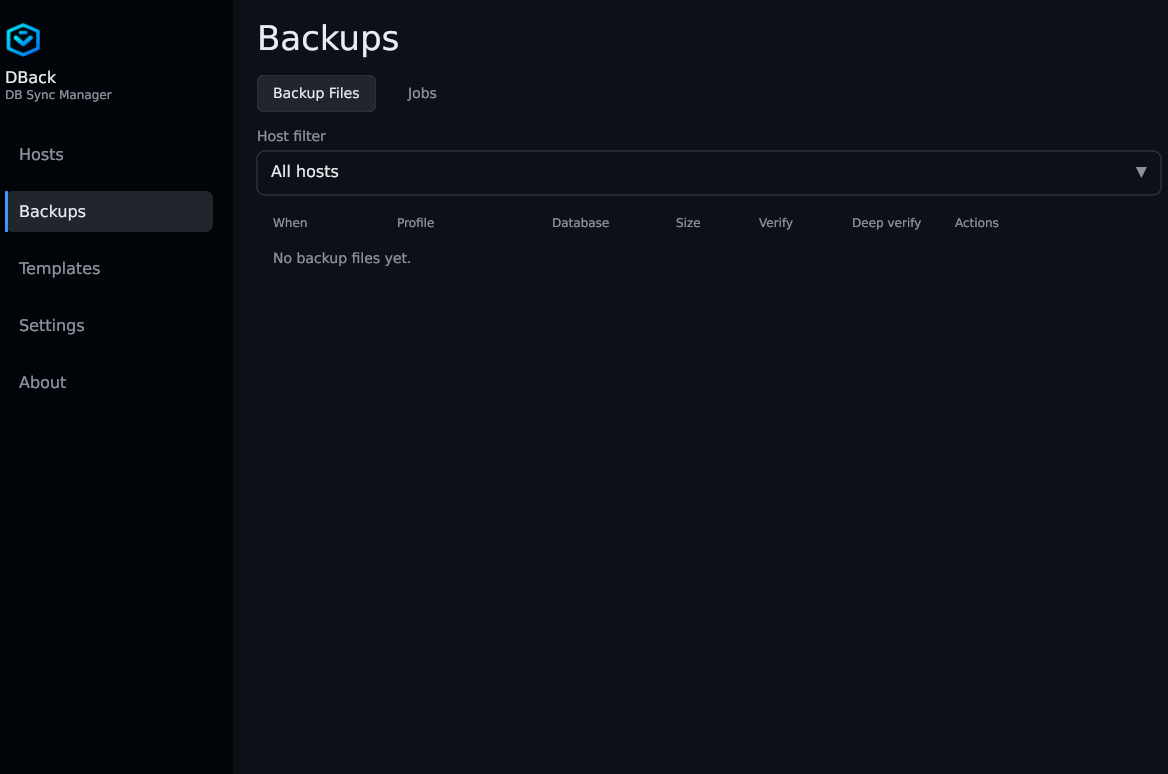
Every new backup stores a SHA256 checksum and a table row fingerprint from the source database. Quick verify checks file integrity automatically. Optional deep verify restores into a temporary database and compares row counts — without touching production. Works on SSH and WordPress hosts. Your last import destination is remembered per source host for faster repeat imports.
Practical tools for admins and developers who manage MySQL and MariaDB.
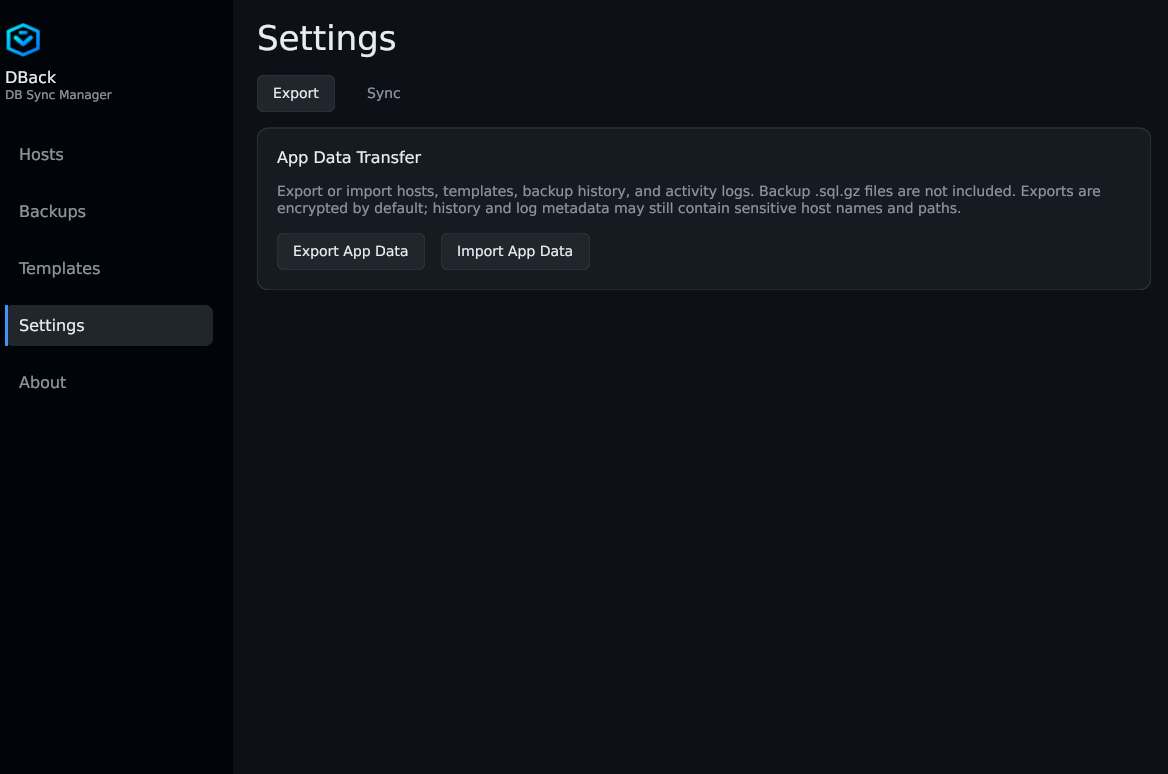
~/.config/dbackBackup, restore, query, and verify — from one desktop app for Linux and Windows.
Handle multi-gigabyte databases with streaming compression (zstd/gzip). Backups land as .sql.gz on your disk — with automatic fallback to tmp-file mode over SSH when needed.
Verification compares against the backup-time fingerprint — not live production. Quick verify checks SHA256; deep verify optionally restores to a temp DB and compares row counts on SSH and WordPress.
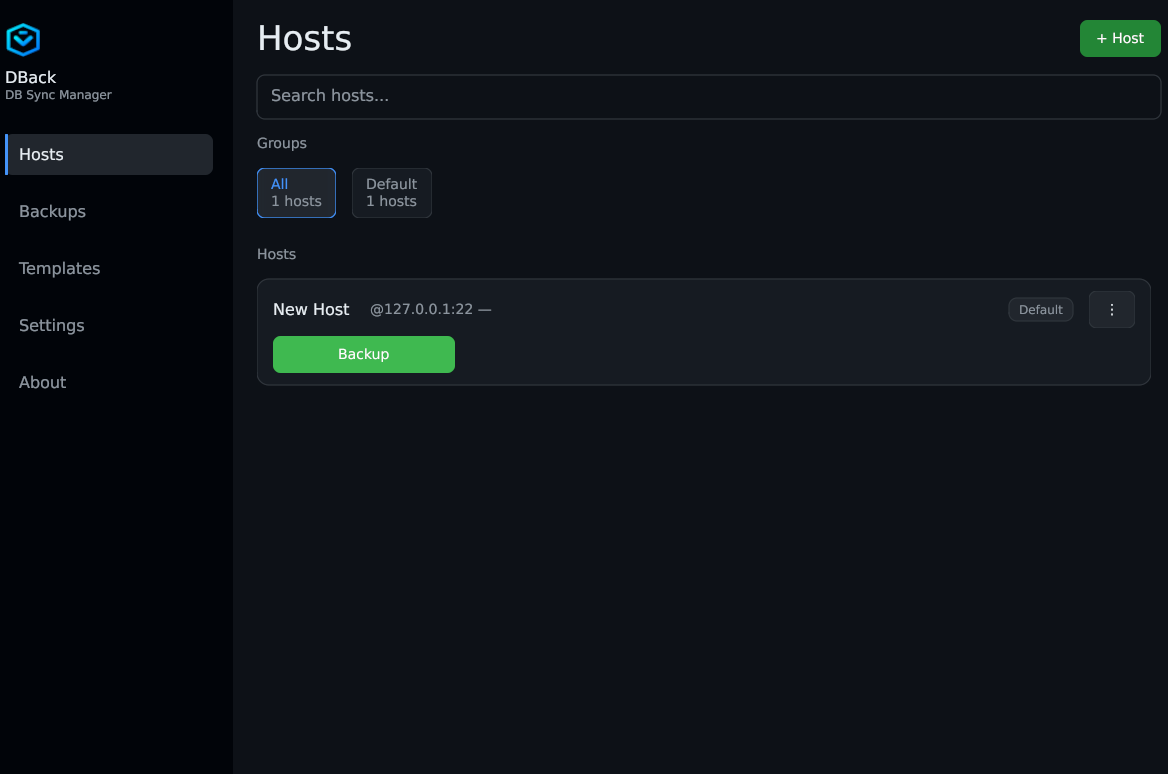
One app for SSH tunnels, jump hosts, localhost, Docker containers, and WordPress sites. Credentials stay in an encrypted local vault.
Reach MySQL and MariaDB wherever they run — behind firewalls, in containers, or inside WordPress — with credentials stored in an encrypted local vault.
Tunnel through firewalls and multi-hop jump hosts. Streaming with automatic tmp-file fallback on unstable links.
Back up local instances or databases running in containers without extra tooling on the host.
REST API workflows plus the DBack DB Tools plugin for backup, restore, and verify tuned for WordPress databases.
The fingerprint captured at backup time — not your live production database. Quick verify checks file integrity (SHA256) without a DB connection. Deep verify restores to a temporary database and compares row counts.
Not necessarily. The file is intact; row-count differences can come from InnoDB estimates at backup time vs exact COUNT(*) during deep verify. SHA256 failure always means the archive is corrupted.
Backups created before v3.8.0 do not include fingerprints. Take a new backup to enable full verify. The .sql.gz file must be on local disk — S3 sync carries metadata only.
Linux (PPA or .deb) and Windows installer. Current release: v3.8.0.
Recommended — PPA:
sudo add-apt-repository ppa:devlifex/dback
sudo apt update
sudo apt install dback